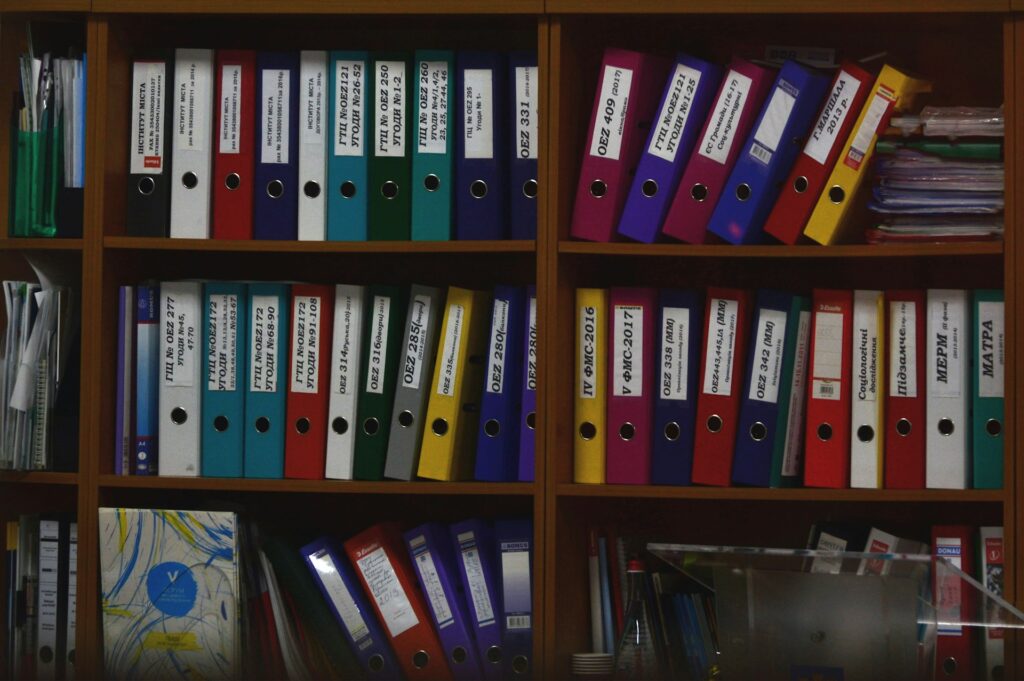
Driving Paperless Consistency Across the Enterprise
“Document management is not just about storing files. It is about creating consistency, supporting compliance, and turning information into a competitive advantage.”
Every business runs on documents.
Quotes, sales orders, purchase orders, delivery notes, invoices, contracts, production instructions, quality records, HR documents, and internal approvals all carry important business information.
But in many companies, these documents are still spread across email inboxes, local folders, shared drives, paper archives, and personal desktops. Employees waste time searching for the latest version. Customers receive documents in different formats. Approvals are difficult to track. Important information can disappear when an employee leaves.
This is not only an administrative problem. It affects customer service, cash flow, compliance, efficiency, and trust.
A good document-management process turns documents from static files into active parts of the business workflow.
Documents Must Be Connected to the Process
Document management inside an ERP system is much more than uploading files into a folder.
A document should be connected to the business event that created it.
A sales quotation should be linked to the customer and the sales opportunity. A purchase order should be linked to the supplier, requested items, approval process, and goods receipt. A delivery note should be connected to the warehouse movement and the customer order. An invoice should be connected to the delivery, payment status, and financial record.
When documents are connected in this way, employees do not need to guess where information belongs. The system provides context.
Sales can see the latest quotation. Warehouse employees can access delivery instructions. Finance can check the invoice history. Management can review approvals, changes, and document status without relying on email chains.
The document becomes part of the process, not an attachment that gets lost after it is sent.
The Hidden Cost of Poor Document Control

When documents are managed without structure, businesses face the same problems again and again.
Several versions of the same contract may circulate across departments. A sales team may send an outdated price list. A purchasing employee may use old supplier terms. An invoice may be approved without the correct supporting documents. A quality record may be difficult to find during an audit.
These issues create wasted time, but they can also create real financial and legal risk.
Poor document control can lead to:
- Duplicate or incorrect information because employees work with different versions.
- Slow customer response because staff must search for documents before answering a question.
- Lost audit history because approvals, changes, and communication are not recorded clearly.
- Inconsistent branding and terms because every employee creates documents in a different format.
- Compliance risks because important records cannot be found, reviewed, or protected properly.
A connected ERP document-management system helps reduce these risks by giving employees one structured place to create, store, approve, retrieve, and review business documents.
Document Templates Create Consistency

Document templates are one of the simplest ways to improve daily work.
A template defines the layout, wording, design, and information structure of a document before employees begin using it. Instead of creating every quote, invoice, contract, or delivery note from scratch, users select the correct template and allow the ERP to fill in the relevant information automatically.
The document can include company branding, logos, addresses, legal details, payment terms, product data, tax information, customer information, and standard text. The employee reviews the result, adds any necessary customer-specific content, and generates the final document.
This creates several important benefits.
- Every document looks professional and consistent.
- Employees spend less time typing, formatting, and copying information.
- Customer, product, price, and tax details come directly from the ERP record.
- The risk of using old templates or incorrect information is reduced.
- The business can work consistently across departments, locations, languages, and legal entities.
A document template does not remove the need for review. It reduces repeated manual work and gives employees a reliable starting point.
Document Management in SIX ERP
SIX ERP provides a structured way to manage business documents across the organization.
Documents can be connected to customers, suppliers, invoices, estimates, delivery records, projects, employees, and other relevant ERP entities. This helps users find the right information without moving between several folders or systems.
The system can support central document storage, controlled access, document status, workflow-related records, and searchable information. Instead of asking, “Who has the latest version?” employees can work from one controlled business record.
Role-based permissions help protect sensitive information. A sales employee may access customer quotations and sales documents. Finance users may access invoices and payment information. HR users may manage restricted employee documents. Managers can review approvals and relevant reports.
Not every employee needs access to every document. But every authorized employee should be able to find the document they need quickly.
Templates in SIX ERP Make Document Creation Faster
SIX ERP’s document templating functions allow administrators to create and maintain standard document layouts.
Using a visual editor, templates can include company branding, structured text, tables, and placeholders. These placeholders, sometimes called merge tags, pull live information from the ERP record when the document is generated.
For example, a quotation template can automatically include the customer name, address, quotation number, product lines, prices, tax values, payment terms, and company details. A delivery document can include the customer order, delivery address, shipped products, quantities, and warehouse information.
This creates documents that are both faster to produce and easier to trust.
A sales employee does not need to copy customer details from one system into another. A purchasing employee does not need to rebuild a supplier order manually. A finance team does not need to correct the same invoice layout again and again.
The ERP provides the data. The template provides the structure. The employee provides the final review and business judgement.
A Paperless Office Is About Speed, Not Only Paper
A paperless office does not mean that every paper document disappears overnight.
It means that the business stops depending on paper as the main way to create, approve, store, find, and share information.
Digital documents can move faster. They can be linked to workflows. They can be searched. They can be accessed securely from different locations. They can be tracked through approval processes and stored according to retention rules.
This helps teams work more efficiently, especially when employees are spread across several offices, warehouses, factories, customer locations, or home offices.
A digital workflow can support a purchase request from the moment it is created until it is approved, ordered, received, invoiced, and paid. A sales document can move from customer enquiry to offer, order, delivery, invoice, and payment without being retyped in several systems.
The real value of paperless work is faster, clearer, and more reliable business processes.
Compliance Requires More Than a Folder Structure
Many companies must keep documents for financial, tax, quality, contractual, HR, or regulatory reasons.
In these cases, it is important to know which document version was used, who created it, who approved it, when it was changed, and how it relates to the wider business process.
A structured ERP environment can support audit trails, user permissions, document status, workflow history, and controlled access. This makes it easier to prepare for audits, internal reviews, customer requests, and compliance checks.
Electronic signatures can also support faster approval processes. However, the legal effect of an electronic signature depends on the applicable country, document type, signing method, and legal requirements. Companies should always confirm their specific legal requirements before relying on a digital-signature workflow for high-risk or legally sensitive documents.
Compliance is easier when documentation is created correctly as part of normal work.
Documents Can Improve Every Department
- Sales teams benefit from professional quotations, proposals, order confirmations, contracts, and invoices generated from accurate customer and product data.
- Purchasing teams benefit from standard purchase orders, supplier agreements, approval documents, receiving records, and invoice matching.
- Warehouse and logistics teams benefit from delivery notes, packing lists, pallet labels, goods-receipt documents, return records, and shipment information.
- Manufacturing teams benefit from work orders, bills of materials, production instructions, quality records, batch documentation, and traceability reports.
- Finance teams benefit from consistent invoices, approval records, supporting documents, payment information, and audit-ready financial documentation.
- HR teams benefit from structured employment documents, policies, training records, employee acknowledgements, and controlled access to sensitive files.
When these documents are connected through one ERP system, the company does not only save time. It improves operational control.
The Future of Document Management Is More Connected
Document management is moving beyond storage and templates.
The next step is smarter workflow automation. A document can trigger an approval, create a task, update a status, notify a responsible person, or start another business process. AI-supported tools may help classify incoming documents, extract information, suggest draft text, identify missing fields, or highlight unusual conditions for human review.
But the foundation remains the same.
The company needs structured data, clear ownership, controlled document versions, practical templates, and processes that employees can actually use.
Technology should make documents easier to manage, not turn them into another complex system that people avoid.
Final Thoughts
Documents are the language of business.
They record what was agreed, what was ordered, what was delivered, what was approved, what was invoiced, and what must happen next. When they are inconsistent, difficult to find, or disconnected from the process, the business loses time and control.
SIX ERP helps companies create, manage, store, search, and use documents as part of one connected business system. From quotes and invoices to delivery notes, purchasing documents, contracts, HR records, and operational workflows, documents become more than paperwork.
They become a reliable source of information, consistency, and growth.